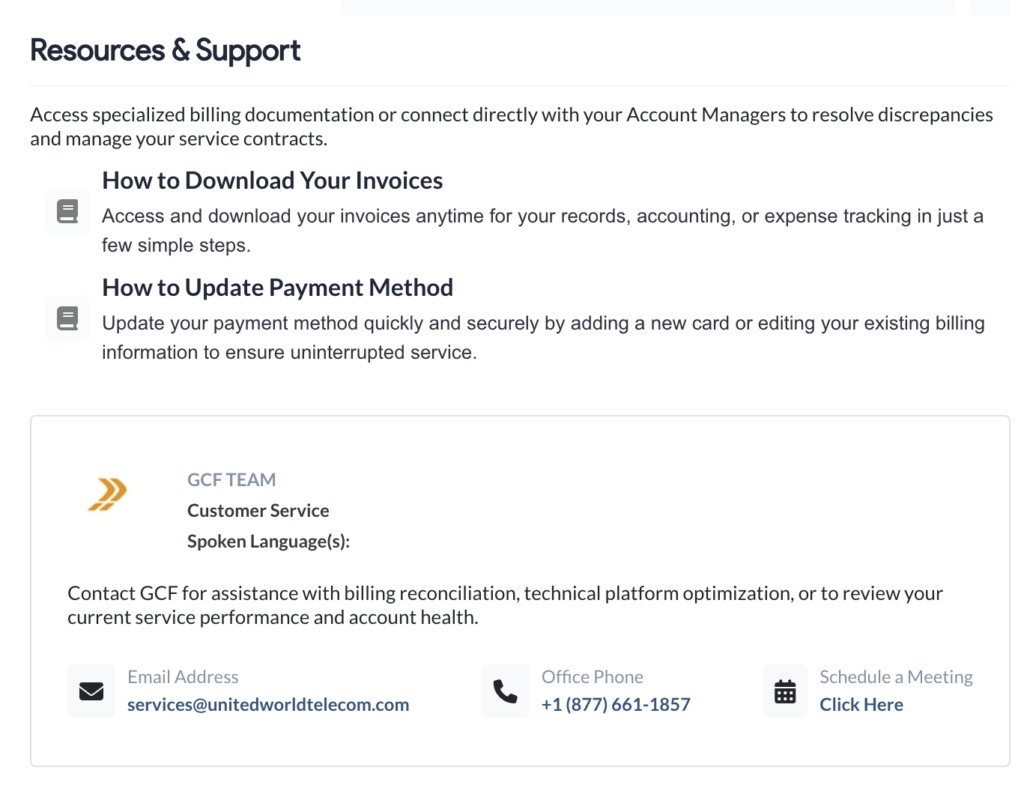
All of your billing activity lives in the Billing & Payments section of your control panel.
Log in to the control panel and click Billing & Payments in the left-hand menu to see your balance, account status, invoices, and a breakdown of what each phone number and add-on costs.
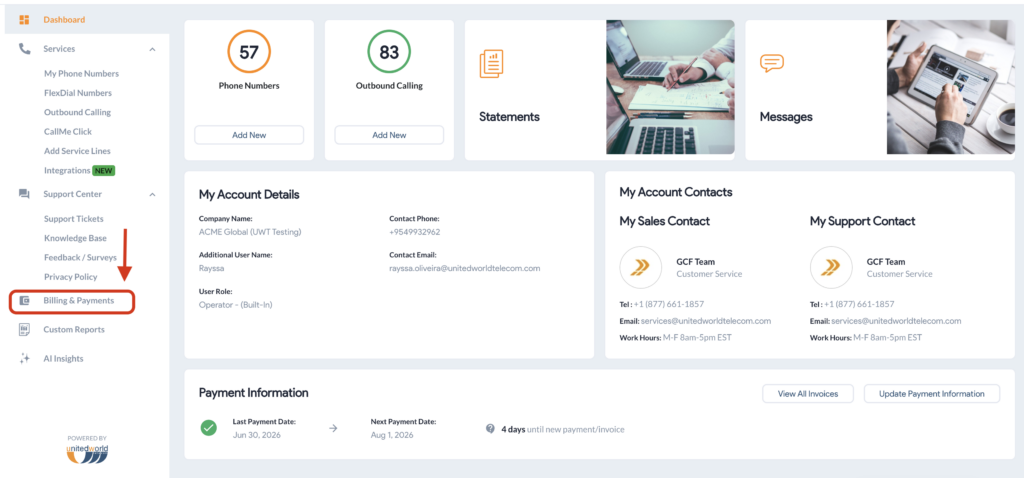
The dashboard has the sections below.
Check Your Balance, Account Status & Review Your Billing Profile
The top of the dashboard shows your account totals:
- Total Outstanding Balance — everything currently owed across your account.
- Past Due Amount — any portion of that balance that has passed its due date.
- Last Payment — the amount and date of your most recent payment.
- Next Payment Due — what is scheduled next, and when.
- Account Status — a summary of where your account stands. For example, Good Standing means your account is current, you have settled all previous invoices, and no immediate action is required. We generate your next invoice on your standard billing date.
- Billing Profile is where you manage your account and tax information, view your payment terms, and add or edit purchase orders.
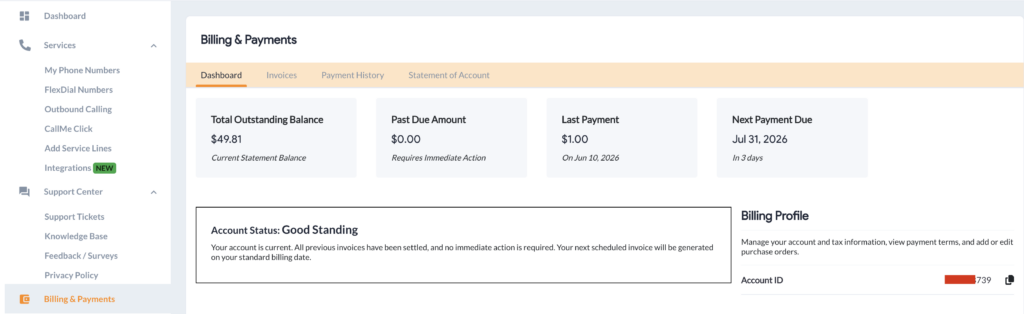
Invoice Forecast & Account Summary
Invoice Forecast gives you a rough estimate of your upcoming monthly charges based on your current active lines, add-ons, and projected historical usage. Use this preview for budget planning. Final amounts may vary based on actual usage fees incurred before the billing cycle ends.
Account Summary breaks down what is owed today, what you have paid, and the steps you need to take to keep your account in good standing.
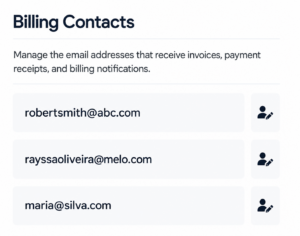
Manage Who Receives Billing Emails
Billing Contacts is where you manage the email addresses that receive invoices, payment receipts, and billing notifications. For step-by-step instructions, see How to Change Billing Contact Information?
Make a Payment or Change How You Pay
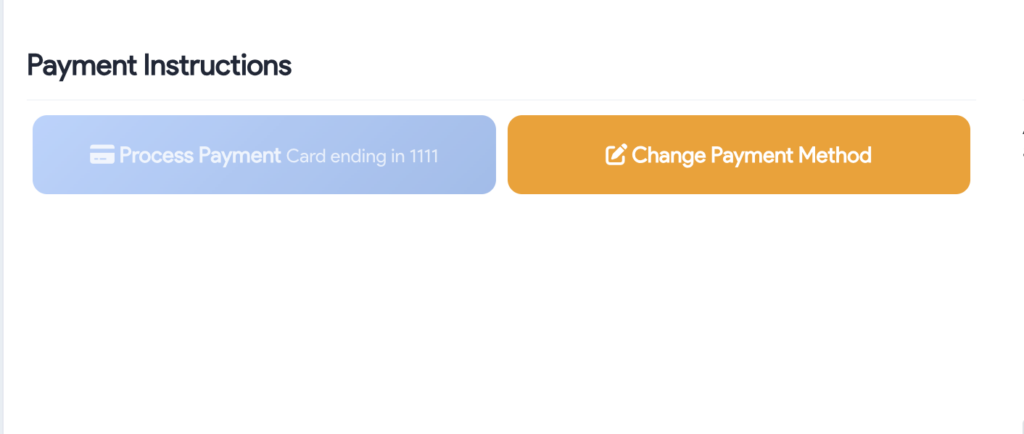
Payment Instructions holds 2 buttons:
- Process Payment — pay an outstanding balance from the dashboard.
- Change Payment Method — update the card on file or switch to PayPal Autopay. See How to Update Payment Method for the full walkthrough.
See What Each Number and Add-On Costs
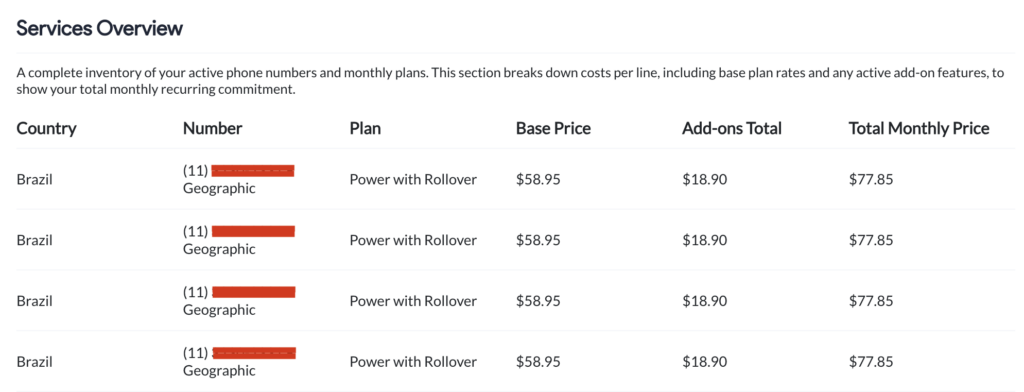
Services Overview is a complete inventory of your active phone numbers and monthly plans. It breaks down costs per line, including base plan rates and any active add-on features, to show your total monthly recurring commitment.
Get Help from Your Account Team
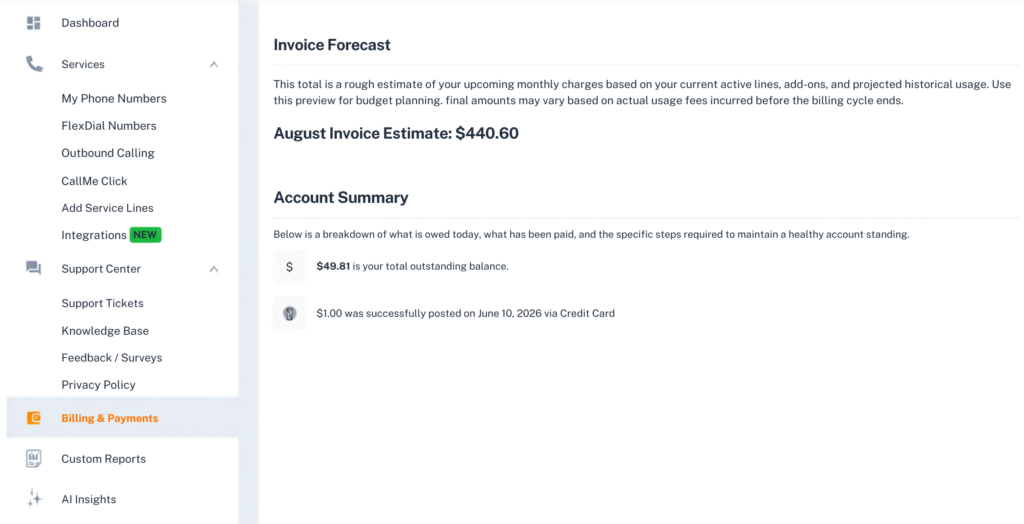
Resources & Support gives you access to specialized billing documentation and connects you directly with your account managers to resolve discrepancies and manage your service contracts.
Your GCF team is listed here with their roles and spoken languages.
Contact them for assistance with billing reconciliation, technical platform optimization, or to review your current service performance and account health.