
1. Log in to your control panel.
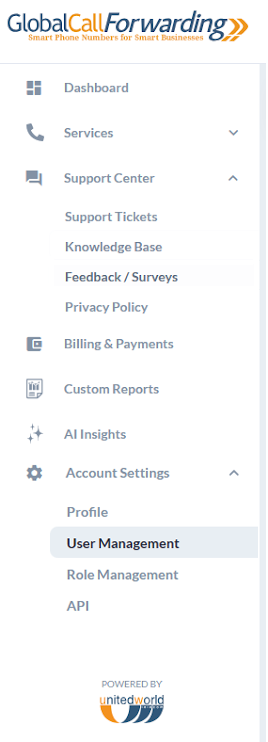
2. From the Dashboard, click on Account Settings on the left-hand menu, and choose the specific menu option.
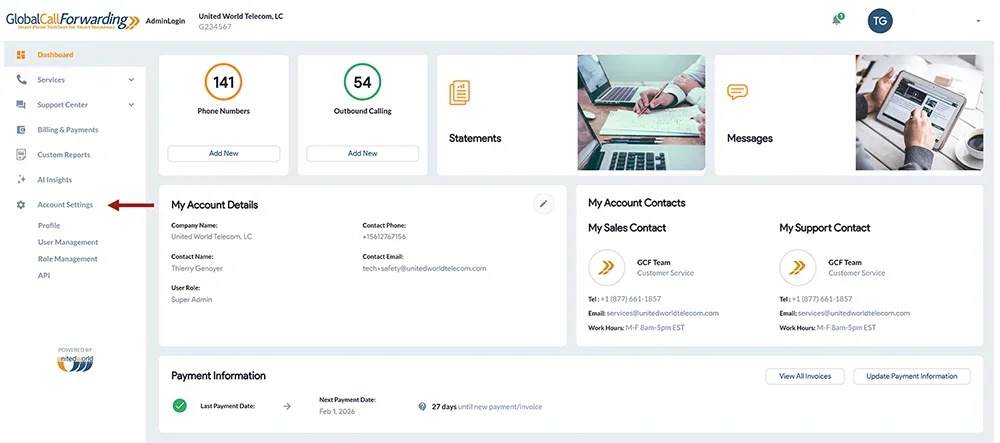
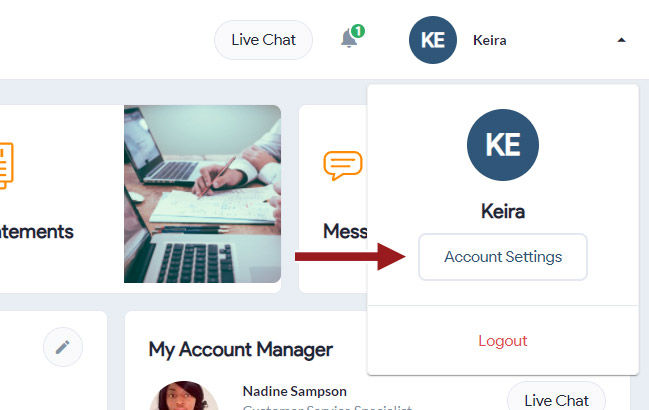
3. An Account Settings button is also available in the top far right dropdown or in the left-hand menu.
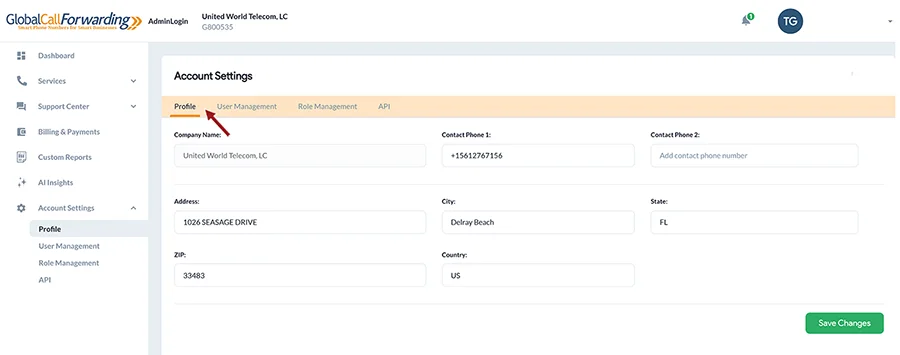
4. From the Account Setting page you can make changes to the contact name or other settings, and click Save Changes.
Related: